
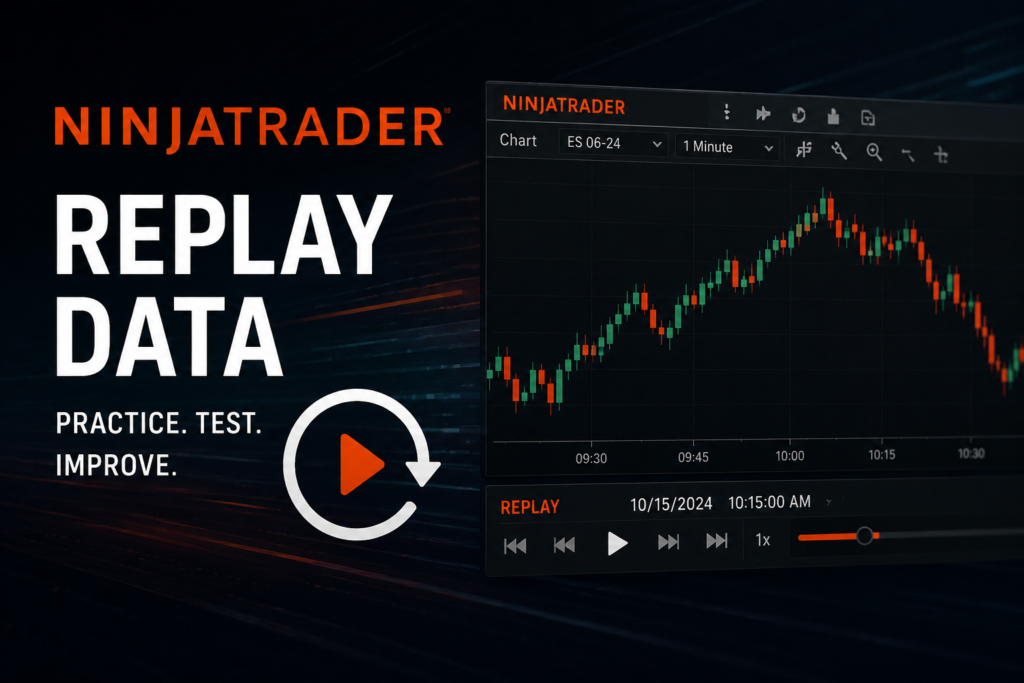
If you’ve spent any time replaying futures in NinjaTrader 8, you already know the frustration: mid-session your chart goes dead because the contract rolled. You have to stop, switch the replay instrument, and start over — breaking your flow and your practice session. Continuous contracts is the solution.
What’s Included
I’ve put together continuous contract replay folders for the following symbols:
- Equity Index: ES, MES, NQ, MNQ, YM, MYM, RTY, M2K
- Metals: GC, MGC
Each symbol covers multiple years of data — 2026 back to 2019. Instead of separate contract folders for each expiry (ES 03-25, ES 06-25, etc.), each folder is a single stitched series for the whole year — one unbroken stream of daily .nrd files you can replay start to finish without ever switching contracts.
How the Roll Dates Work
The data isn’t just naively concatenated. Each file comes from whichever contract was front month on that date, using standard CME roll conventions:
- Equity index futures (ES, MES, NQ, MNQ, YM, MYM, RTY, M2K): roll on the Monday before the 3rd Friday of the expiry month. This is when the front month loses liquidity and the next contract takes over. Because of this, each year’s continuous folder actually starts in the last week of December of the prior year — that’s when the March contract becomes front month.
- Gold futures (GC, MGC): roll on the 1st of the expiry month.
How to Download and Install
Download the data here: 👉 https://mega.nz/folder/uJIiUB6Z#38a5fd3inUMqrsGLMshVqw
The folders are compressed with 7-Zip. If you don’t have it, grab it free at https://www.7-zip.org/. Some archives are split into multiple parts (.7z.001, .7z.002, etc.) — just make sure all parts are in the same folder, right-click the .7z.001 file, and choose 7-Zip > Extract Here. It handles the rest automatically.
Once extracted:
- Copy the folder into your NinjaTrader 8 replay directory:
Documents\NinjaTrader 8\db\replay\ - Rename it to
<SYMBOL> ##-##— for example, renameNQ 2025 ContinuoustoNQ ##-##. NinjaTrader requires this naming format to recognize it as a continuous series. - Open NT8, go to the Playback connection, select your date range, and use
NQ ##-##(or whichever symbol) as the instrument. Hit play.
Want multiple years? No problem — you don’t need separate folders. Just copy the .nrd files from multiple year folders into the same <SYM> ##-## folder. Since every file is named by its date (e.g., 20250103.nrd), nothing will conflict and you’ll get one continuous multi-year replay series.
Why Bother With Continuous Data?
If you’re using replay for trade practice, backtesting your setups, or just studying price action, having to manually roll contracts is a constant interruption. With continuous data you can:
- Practice full trading days without interruption around roll dates
- Study how the market behaved across roll periods
- Run longer replay sessions spanning weeks or months without touching a single setting
Support
This data took significant time and storage to build and organize. If it’s useful to you, a coffee goes a long way toward keeping this kind of thing going:
☕ https://www.buymeacoffee.com/greybeardconsulting
Questions, issues, or requests for additional symbols or years — drop them in the comments below or find me at greybeardconsulting.net.
Happy replaying.